The bug that only existed for the guest
A player reported a PvP session where the cursor died, people died twice and the game kicked them out with nothing in their log. The host saw none of it. Four causes, all client-only, and the one rule that would have prevented all four.
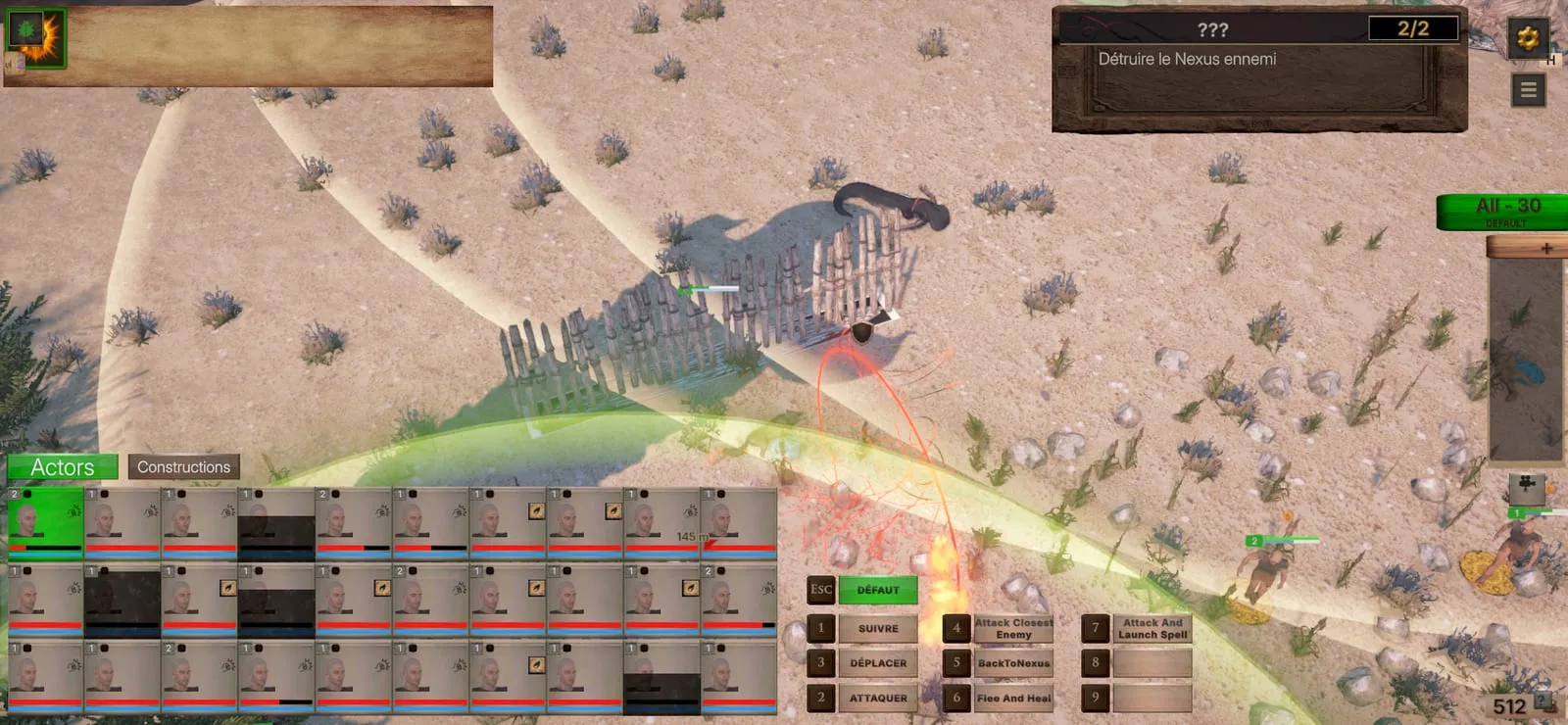
The report was precise and completely unhelpful at first reading: played a PvP match as the guest, the cursor stopped working, some deaths played twice, and at some point the game disconnected them. The host, in the same match, saw nothing wrong.
“Works for the host, breaks for the guest” is the most useful sentence in a multiplayer bug report, because it narrows the search to the one difference that matters: the guest has no server.
Cause 1 — a name that is not a name yet
An actor’s identifier was being read off the name of its object in the scene. That works on the host, where the object is created with the right name. On a guest, the name is not replicated: it only becomes the identifier once the actor’s initial-state exchange with the server has completed.
So hovering a building that had not yet completed that exchange threw a format error out of the update loop. Every frame. And because the exception escaped the loop that also handles the cursor, hovering and clicking, the whole input layer went dead — for a building that had done nothing wrong except load slowly.
The fix is boring (check before you parse, and report each bad name once rather than once per frame). The lesson is not: a value that arrives late is a different kind of value from a value that is missing. The code had been written for a world where it is always there.
Cause 2 — the same mistake, in flight
Projectiles had the identical unguarded read on impact — and worse, they ran the server-only damage, alteration and zone work on the guest’s machine too. Those are now gated. The impact visuals and sound stay local, so the projectile still disappears when it should: the guest sees the hit, the server decides what the hit did.
Cause 3 — the disconnect with no log line
When an actor was already gone on the server, a request for its initial state dereferenced nothing and threw. The networking layer’s default is to disconnect the connection whose handler throws, so the guest was kicked out of the match — and the error was on the host’s side of the wire, so the player’s own log contained nothing at all.
That is the part worth remembering. The player experienced “the game randomly closed my session” and had no evidence to give, because the evidence was on another machine. Guarding the handler fixed the crash; the lasting change is that a guest no longer gets disconnected by an exception in a message handler, while the server stays strict about its own.
Cause 4 — everybody’s loop
The loop that processes actors runs on every machine. Over time, server-authoritative work had drifted into it: effects expiring, defensive buildings firing, spells starting to cast, and death.
Death is the one players saw. The guest ran it locally and received the server’s death message, so a death played twice — two animations, two sounds, one corpse looking confused.
Each of those branches is now gated to the machine that actually has a server. Host and solo behave exactly as before, because both have one; only a pure guest ever skips anything.
The one that was not about the network at all
While reading the same logs: aura effects were releasing their visual children from a disable callback, which the engine refuses outright. The refusal also stopped the follow-up fade from ever starting — two errors in the log every single time an aura ended, for months, scrolling past everything else.
It is fixed, but the reason it survived so long is that nobody reads a log that is already full of errors. Cleaning up noisy, harmless errors is not housekeeping; it is what makes the next real error visible.
The design half of this story — who is allowed to declare the match over — is who gets to decide that you won.
Keep reading
-
The game films itself
A JSON timeline drives a real match — start a game, frame the camera, run a macro, wait — while the run writes a log of every beat with its timecode. Screenshots, trailers and visual decisions all come out of the same mechanism.
-
The interface was from another game
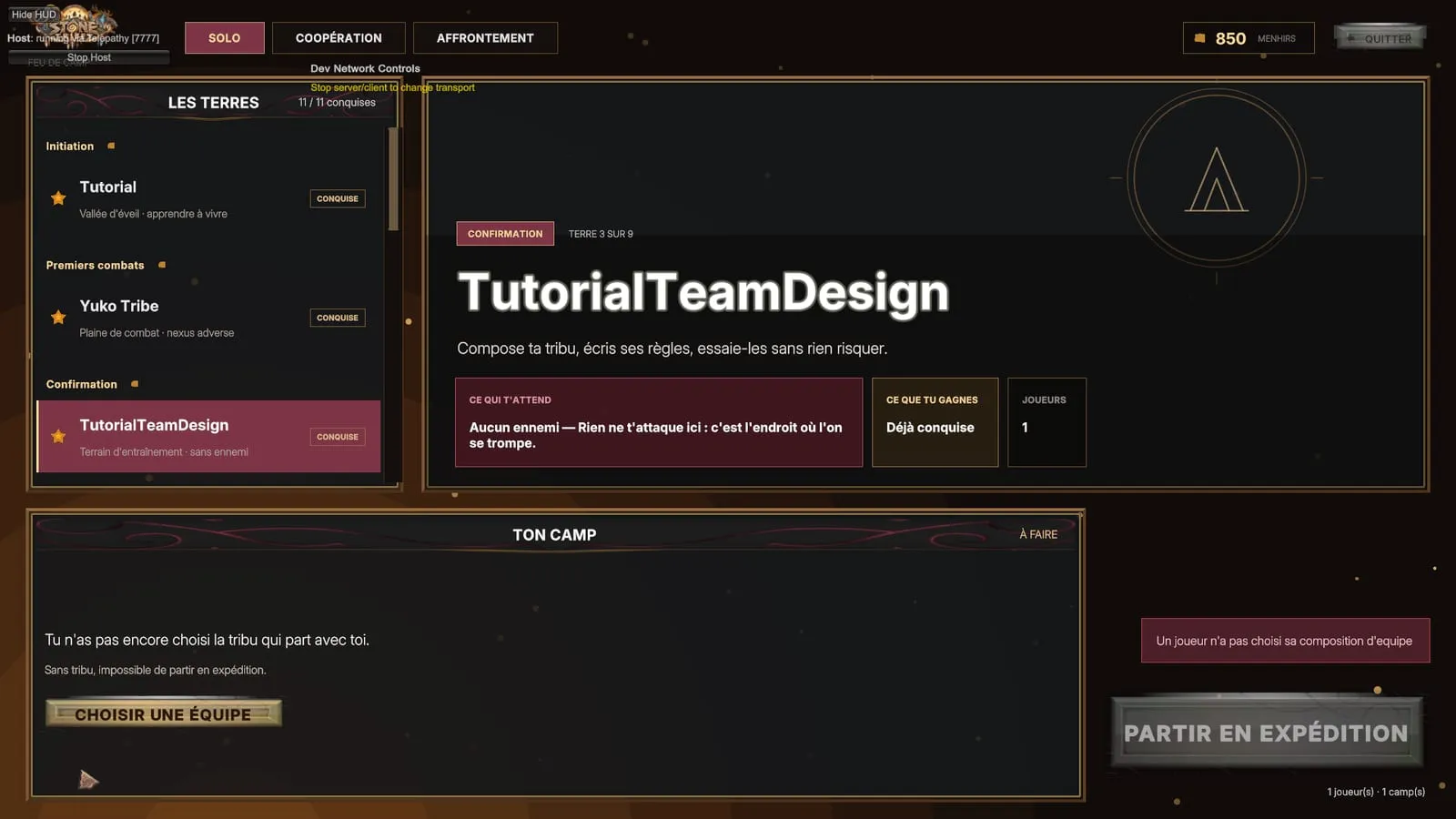
Three panels used an opaque black button sprite as both their background and their list background, so an empty inventory read as a large black slab in a game made of wood and painted hide. Replacing that, and the audit tool that found what was actually on screen.
-
The tower that never upgraded
A defensive building could be levelled up, the window showed the cost, and absolutely nothing happened. The curves were written on a scale that runs to 254 while a building stops at 9 — so every upgrade delivered the first three per cent of what it promised.